1
Navigate to API Keys
Open the left sidebar and select API Keys.
2
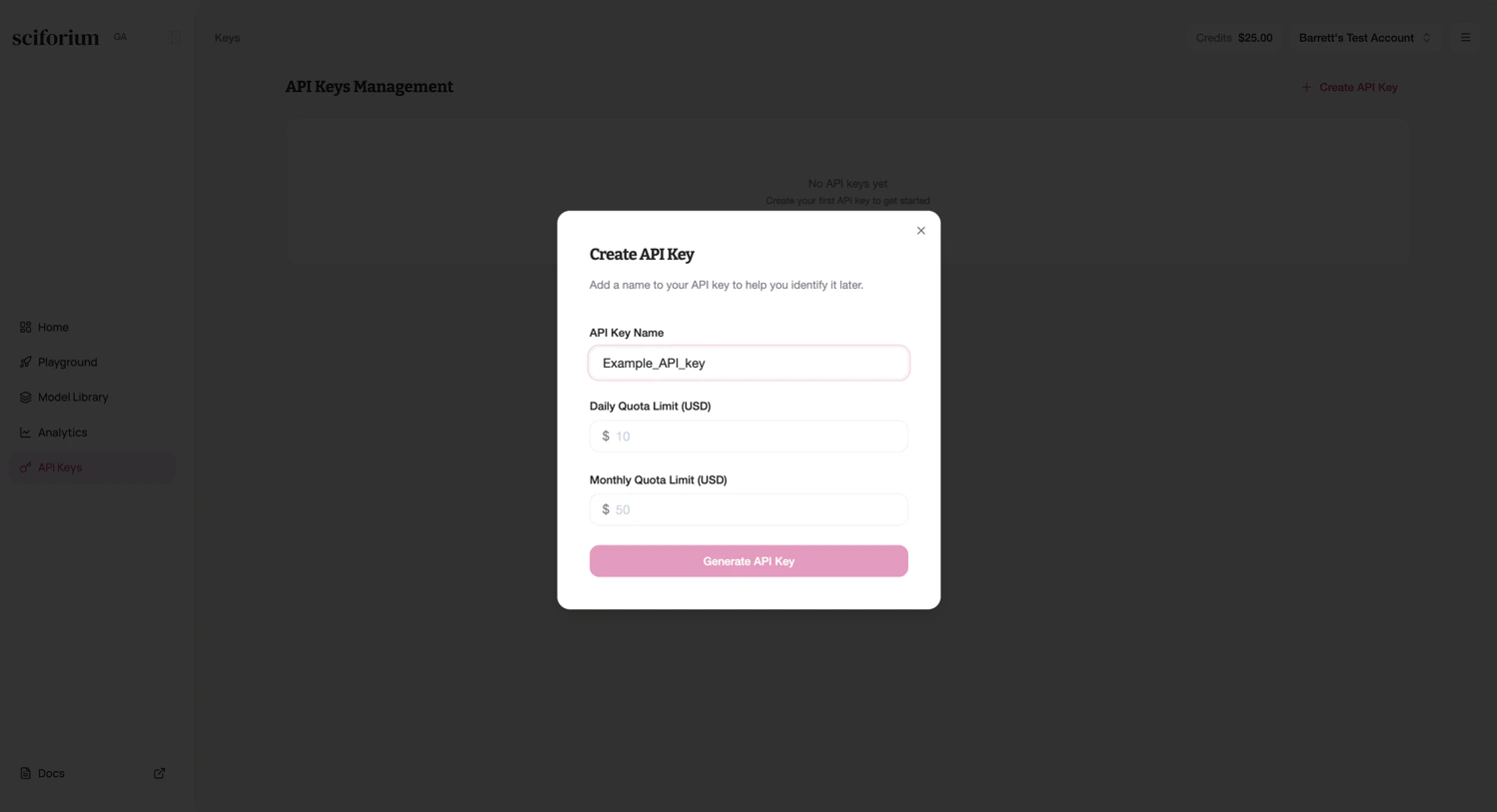
Create a new key
Click + Create API Key in the top right.
3
Enter a descriptive name
Provide a name that identifies the key’s purpose (e.g.,
production-backend, dev-testing).4
Create and secure the key
Click Create. Copy the key immediately—it is shown only once. Store it in a secrets manager or environment vari